
How do I update my subscription and billing information or payment method?
You can update your subscription and billing information in the “Billing” section of your Living Future Community account settings. Here, you can:
- Visit the “Payment Methods” tab to add or update card information
- Download invoices under the "History" tab
- Restart or cancel your Professional Membership subscription under "Subscriptions"
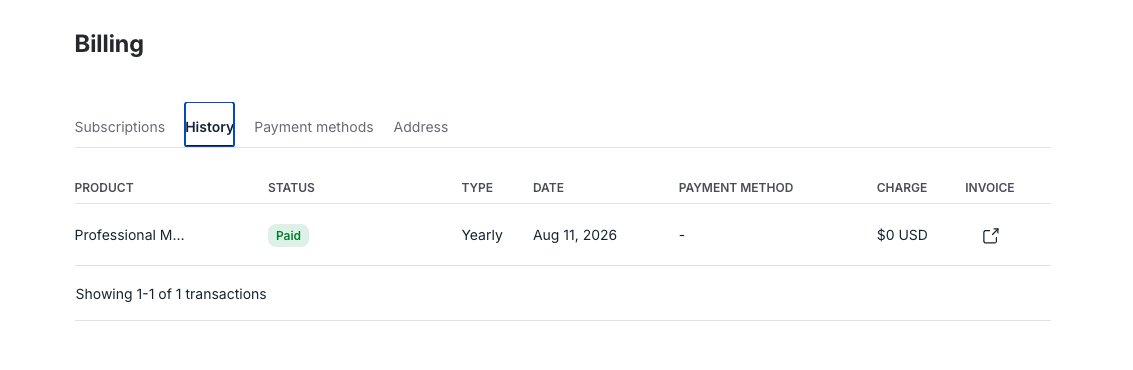
For more details, visit Circle's support article for managing your membership payment method.
Note: if you have never had a Professional Membership subscription, you will not have a "Billing" section in your account. First, upgrade your membership.